 Hanabal
MASON is a build by Mason for Rust. It bundles an aimbot with silent aim, a full Rust ESP overlay, a radar sweep and a set of quality-of-life extras. Below is every feature, each one explained next to the Rust mechanic it ties into.
MASON's feature list covers fifteen items across three groups. The aimbot includes silent aim with adjustable hit chance, a capture-radius setting and hitbox choice.
Its ESP draws player boxes, skeletons, chams, snaplines and distance markers, plus ore nodes, crates, airdrops and structure markers. Misc rounds it out with a free camera, Full Bright, no-delay Eoka, longer melee reach, silent walk and a panic key.
Words used in this review
ESP stands for extra-sensory perception. It's an overlay drawn on top of the game screen that shows information the game normally hides: player positions, items, health and structures behind walls.
Silent aim redirects bullets toward a target without moving your crosshair. The shot fires from where you're looking, but the game registers a hit on the chosen body part.
Chams recolour player models in a visible tint so you can spot them through walls and solid objects. They work by changing how the game's renderer handles depth.
FOV radius (in an aimbot) is the zone around your crosshair where the aimbot looks for targets. Anything outside the circle is ignored.
Snaplines are lines drawn from your position to each visible player, showing direction and rough distance at a glance.
Radar is a minimap overlay with a rotating sweep. It marks nearby players and items as blips, giving you a bird's-eye read of your surroundings.
Rust aimbot: silent aim and target control
Silent aim, hit chance set per shot. MASON's Rust silent aim redirects bullets toward the chosen hitbox without moving your crosshair on screen. Its hit-chance slider controls how often the correction fires, shot by shot.
Rust's recoil uses an aim-cone system: each consecutive shot widens the spread, and roughly a fifth of rounds land dead centre. Short bursts and letting accuracy recover between them are the current approach to sustained fire.
FOV radius and hitbox choice, circle drawn on screen. FOV radius sets how wide the detection zone is around your crosshair, and anything outside that circle is ignored. Hitbox choice picks the body part to target, and MASON draws the circle on screen so you can see the zone while you play.
In Rust, headshots deal the highest damage. Limb hits are weaker, and a player's hands or gear in front of their face can absorb a headshot. The in-game FOV ranges from 65 to 85 in the options slider, with 75 as the default.
Ignores teammates, wounded players and a blacklist. The aimbot skips anyone on your team, any downed player and anyone you've added to a blacklist. Downed players in Rust can be revived, so skipping them avoids wasting a shot.
Adjustable snap speed. This controls how quickly the aim moves to the target. A lower value looks more gradual; a higher one locks on straight away.
Runs only while the aim key is held. It does nothing until you hold a specific key, and stops the moment you release it.
Rust ESP: player overlay and chams
Boxes, skeleton, snaplines, names and distance. The player ESP draws a rectangle around each player, a bone-line skeleton inside it, a snapline from your position to theirs, and their name and distance in metres. Players behind walls, inside buildings or hidden by terrain can't be seen in Rust. Logged-out players stay in the world as sleepers, and the overlay marks them too.
Weapon in hand and belt items. Below each player's tag, the ESP shows what weapon they're holding and what sits in their quickbar slots. Knowing whether someone carries an AK-47 or a wooden spear tells you what you're walking into.
Chams, with a separate colour for hidden players. Rust chams recolour each player model in a visible tint. MASON uses one colour when you have line of sight and a different colour when the player is behind a wall or a rock. The two-colour split lets you tell at a glance who you can see directly and who you can't.
Rust loot ESP and structure markers
Sulfur, metal, stone, crates, airdrops and food. MASON's loot ESP tags ore nodes by type and marks every container on the map. Rust has three ore-node types (stone, sulfur and metal) that cluster near cliffs, mountains and rock formations. Each node has a hotspot mechanic: hitting the glowing spot on the rock gives up to three times the yield per swing.
Loot comes from tiered containers. Primitive crates hold low-tier gear, brown crates carry Tier-1 components, military crates have Tier-2 items, and elite crates hold the rarest loot. Airdrops carry up to fourteen slots of weapons, armour and scrap.
MASON's ESP labels each container so you can tell a basic crate from a military crate without walking up to it.
Cupboards, workbenches, turrets, traps and recyclers. The structure ESP marks tool cupboards (TCs), workbenches, auto turrets, traps and recyclers on the overlay.
A TC projects a building-privilege zone from the base's foundations, blocking others from building nearby. Flame turrets and shotgun traps fire at anyone not on the TC's authorised list.
Auto turrets run on 10 power, keep their own separate auth list and sweep a 180-degree arc. Each one needs to be authorised separately.
Workbenches come in three tiers, each with a different tech tree. Recyclers sit at monuments and break items into raw materials at yields from 40% to 75%.
That gives you a read on a base's defences before you walk up to it.
Rust radar hack: the sweep overlay
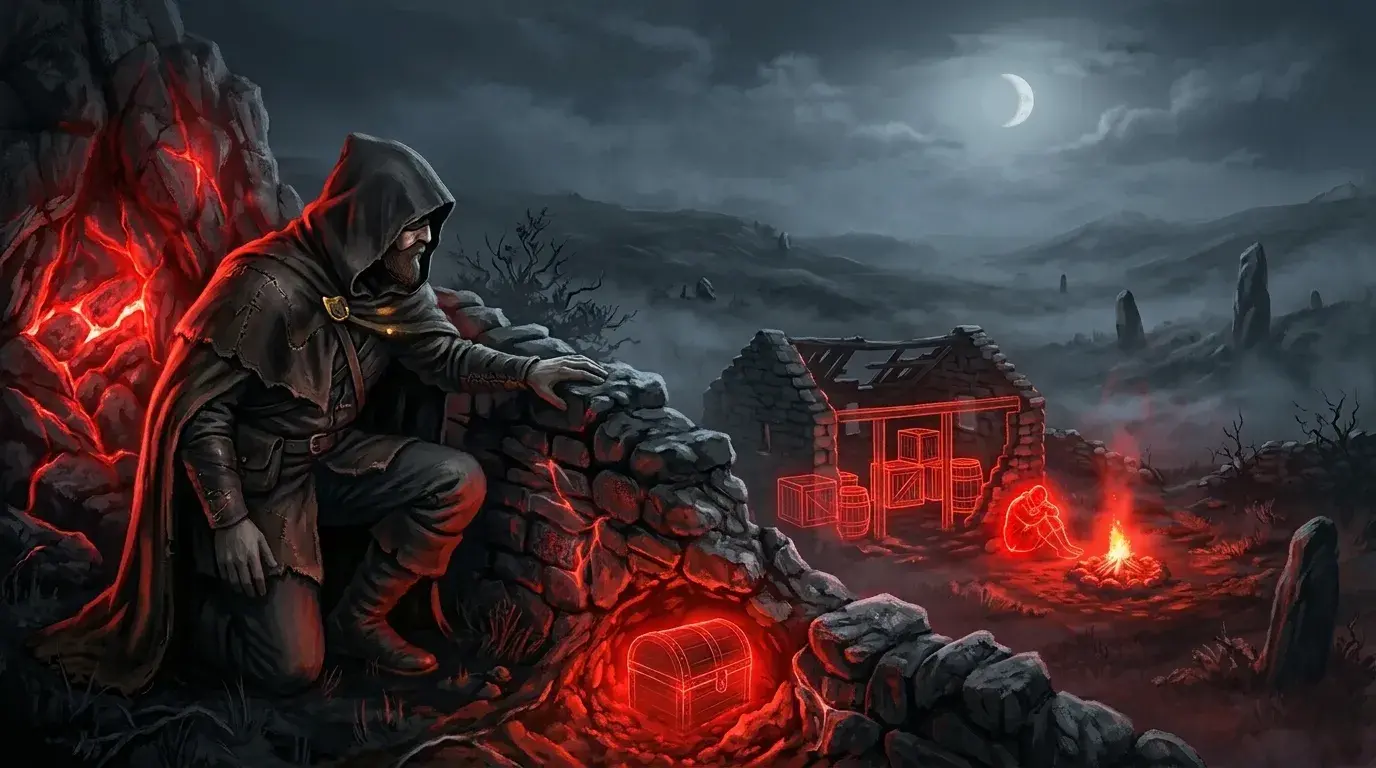
Radar. MASON's radar draws a minimap with a rotating sweep that marks player and loot positions as blips. It gives a bird's-eye view of your surroundings without turning your character to look around.
Misc features
Free camera with zoom. The free camera detaches your view from your character and lets you look around freely, with a zoom control. Rust has no free camera for normal players. The spectate command is admin-only and follows a chosen player rather than flying freely.
Full Bright and a custom sky colour. Full Bright removes the game's darkness so everything is evenly lit. The custom sky colour changes the sky's appearance on your screen. Nighttime in Rust is intentionally dark, and the game adds image noise in low light to stop gamma adjustments from fully working as a workaround.
No-delay Eoka, longer melee reach, silent walk. No-delay Eoka makes the Eoka Pistol fire on the first strike. Normally it takes a random number of flint strikes to go off. That's usually two or three, but it can take up to nine.
Longer melee reach extends the range of melee weapons beyond their defaults: a wooden spear normally reaches 2.6 metres, a stone spear 2.75 metres. Silent walk removes your footstep sounds.
Panic key and a players-only battle mode. One keypress hides the entire overlay. Battle mode strips out loot and structure markers so only player information stays, cutting the clutter when a fight starts.
Configs through the clipboard, CPU saving mode. You can save your settings to the clipboard and paste them back in later or share them with someone else. CPU saving mode reduces the processing load when you don't need every overlay element running.
Features at a glance
Aimbot
- Silent aim with hit-chance slider
- Teammate, wounded and blacklist filter
- FOV radius, hitbox choice and on-screen circle
- Adjustable snap speed
- Aim-key hold to activate
ESP
- Player boxes, skeleton, snaplines, names and distance
- Weapon in hand and belt items
- Chams with a separate colour for hidden players
Loot and structure ESP
- Sulfur, metal, stone, crates, airdrops and food
- TCs, workbenches, turrets, traps and recyclers
Misc
- Free camera with zoom
- Full Bright and custom sky colour
- No-delay Eoka, longer melee reach, silent walk
- Panic key and battle mode
- Clipboard configs and CPU saving mode
MASON is one of three Mason Rust builds on Camelot's Rust page. The others are Mason Lite and Mason Internal. The full MASON feature list is on its product page, and you can browse every game and build in the catalogue.