 Hanabal
ARCANE PRO for War Thunder is a build from the developer Arcane, with an aimbot, War Thunder ESP and a set of misc options. This review covers all 15 functions, each next to the part of the game it relates to. You'll find the other builds on the War Thunder cheats page.
The short version: ARCANE PRO's aimbot has prediction on target movement, a visibility check, a target filter and a drawn FOV circle on two keybinds. Its ESP shows each vehicle's box, name, distance and type, makes modules glow and marks each crew position. Planes get their own settings, and the misc group covers a crosshair, configs and the menu.
Words used in this review
- ESP is short for extrasensory perception: a cheat that shows you things the game hides, like enemy vehicles behind cover.
- Aimbot is a cheat that does part of the aiming for you.
- FOV circle is the circle around your crosshair where the aimbot looks for targets.
- VSync is a setting that matches the frame rate to your monitor's refresh rate, which stops screen tearing.
ARCANE PRO aimbot: prediction, visibility check and FOV circle
The aimbot group decides how and when ARCANE PRO aims. It has five functions.
Constant or hold mode, across two keybinds. You can keep the aimbot running the whole time, or only while you hold a key. There are two keybinds to set it up with.
Players, bots or teammates. You choose what the aimbot goes for: other players, bots or teammates. War Thunder has AI enemies too, like the waves of tanks and air support in Ground Assault.
Prediction on target movement. Prediction aims ahead of a moving target, at the spot it will reach when your shot arrives. Arcade shows a lead marker for moving aircraft, but air Realistic battles have no leading marker at all.
The Arcade marker also drops out when your shots can't reach the target on its current path. ARCANE PRO's prediction is part of the aimbot itself.
Visibility check. The aimbot checks that a target is visible before it aims. In Arcade, an enemy only gets a marker once your crew or your allies can see it.
FOV circle with border and background. The FOV circle is drawn on screen with a border and a filled background, so you can see the area the aimbot works in. A small circle means only targets near your crosshair count.
War Thunder ESP in ARCANE PRO
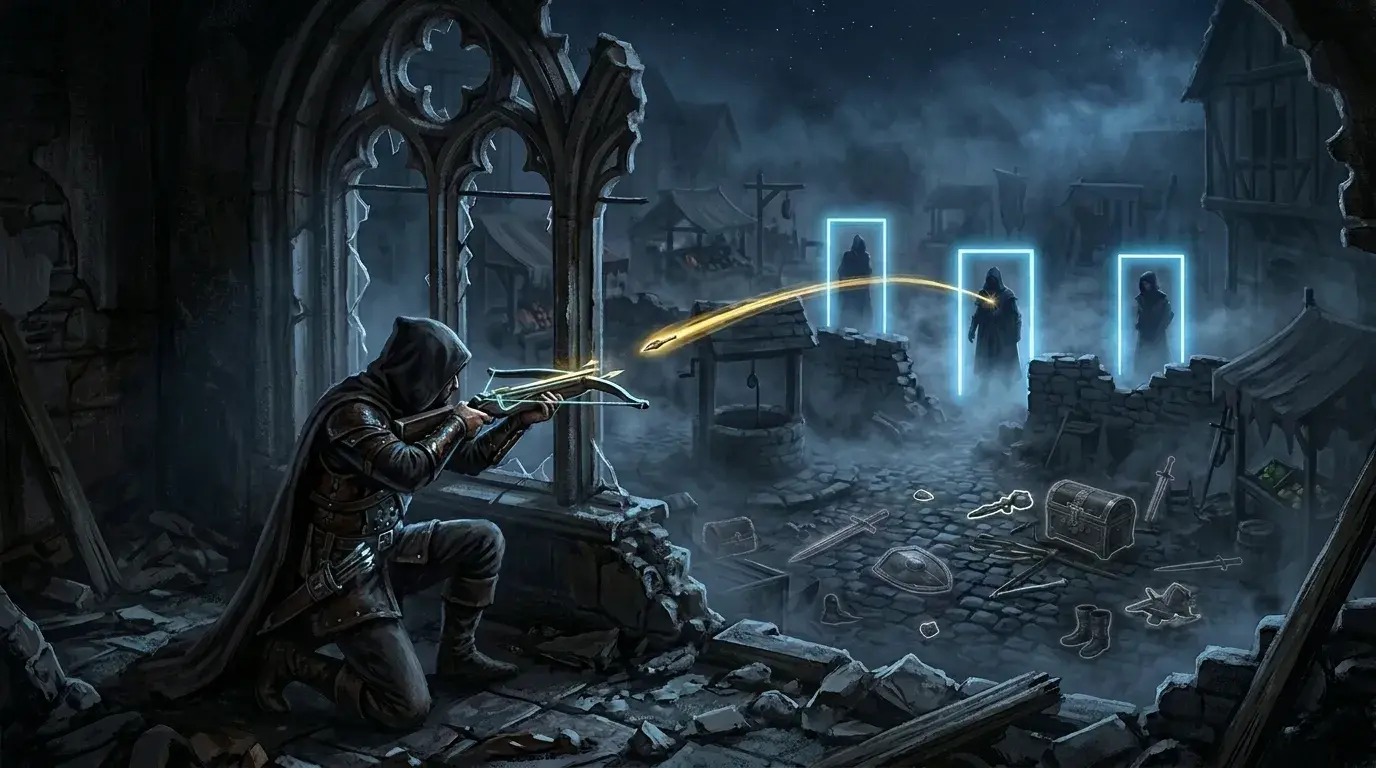
The ESP group shows enemy vehicles and what's inside them. War Thunder puts aircraft, helicopters and ground vehicles in the same fight, and the ESP has five functions to cover them.
Bounding box with static or gradient fill. Each vehicle gets a box drawn around it. You fill the box with one flat colour or a gradient.
Name, distance and the vehicle type. Next to the box, ARCANE PRO shows the player's name, how far away they are and what they're driving or flying. Arcade shows those details for spotted enemies, while ground Realistic shows no name tags at all.
In Realistic, you only get a brief red icon on the minimap when an ally scouts or hits an enemy.
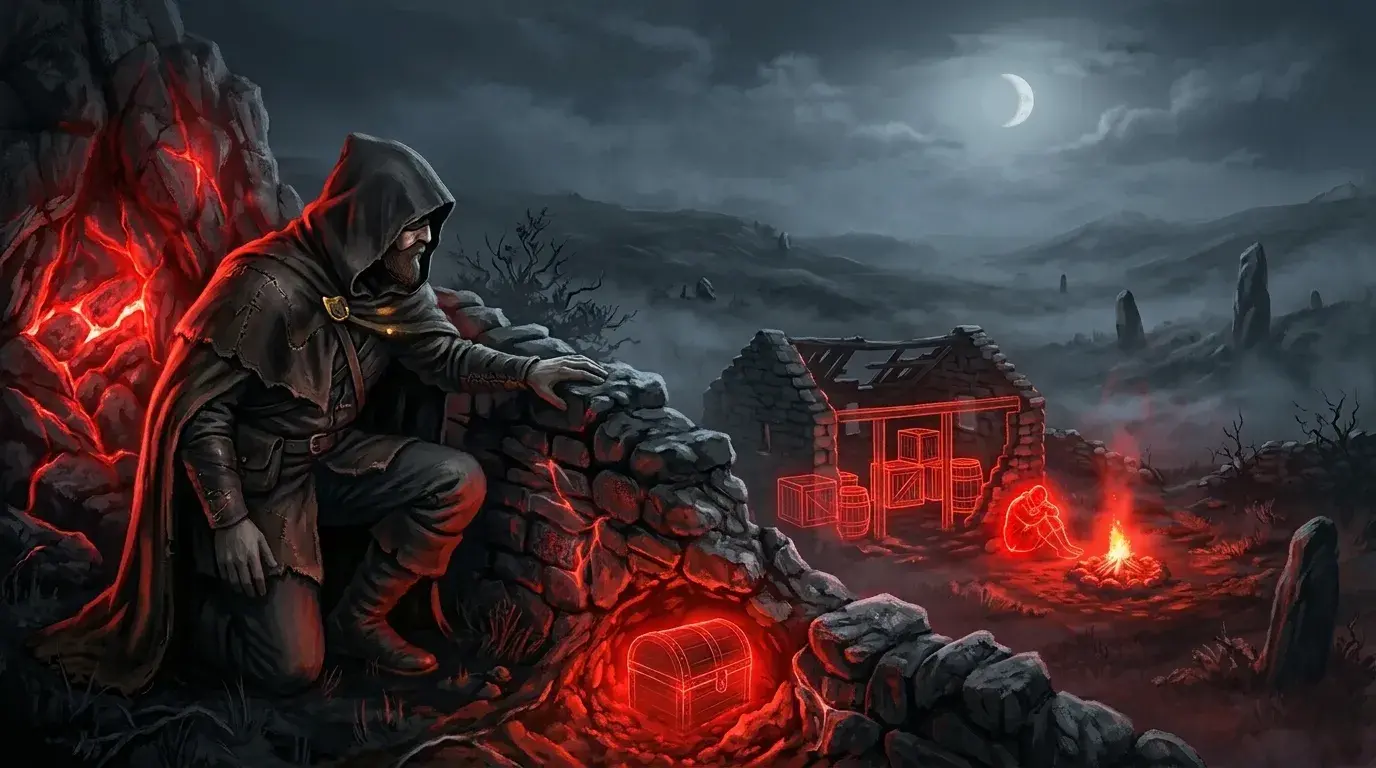
Modules glowing: turret, hull, engine, fuel. These parts of an enemy vehicle glow on screen. In War Thunder, a hit to the ammo rack or a fuel tank can destroy a tank outright, and a fire can spread to the engine.
Crew positions marked individually. Each crew member's position gets its own marker. A tank counts as destroyed once only one crew member is left, because it can no longer both move and fire.
A big HE shell or bomb can knock out several crew at once, even without getting through the armour. Backup crew can step in anywhere in Arcade, but only on a captured point in Realistic.
Planes drawn on their own settings. Aircraft get ESP settings of their own, separate from ground vehicles. In Ground Realistic, you earn spawn points in a tank before you can bring a plane in.
Misc: crosshair, configs and the menu
The misc group holds the build's extras. You switch each one on by itself in the loader menu.
Static crosshair. A static crosshair stays fixed in the centre of your screen. Ground Realistic gives you no coloured crosshair, while Arcade's shows where a shot would land.
Configs created, shared and loaded by key. You can save your settings as a config, share it with someone else, and load it with a key.
Menu size set through DPI scale. A DPI scale setting makes the menu bigger or smaller to suit your screen.
Dark or light theme with VSync. You pick a dark or light theme for the menu, and the same item includes VSync.
Interface in three languages. The menu comes in three languages.
ARCANE PRO features at a glance
- Aimbot: constant or hold mode on two keybinds, players, bots or teammates, prediction, visibility check, FOV circle
- ESP: box with static or gradient fill, name, distance and vehicle type, glowing modules, crew positions, planes on their own settings
- Misc: static crosshair, configs by key, DPI scale, dark or light theme with VSync, three languages
That's all 15 functions, and the ARCANE PRO product page keeps the current list. Arcane also makes ARCANE LITE for War Thunder, and the War Thunder game page shows every other build.
You can also browse the full catalogue.