 Hanabal
If you're comparing WARDOGS cheats, this review takes one build and goes through it properly: GHOST for WARDOGS, made by the developer Ghost. Every item on its feature list is covered below, group by group. The other builds for the game are on the WARDOGS cheats page.
The short version: GHOST's features fall into three groups. The aimbot has an FOV capture zone, bone selection, a visibility check and 0 to 100 percent recoil compensation. The ESP covers player boxes, skeletons, weapons and distance, plus a radar, loot labels and vehicle markers. Misc adds config profiles and a key that hides every visual.
GHOST aimbot: capture zone, bones and recoil
The aimbot is built around an FOV circle. When a target sits inside that circle, which GHOST calls the capture zone, the crosshair eases onto it. You set the size of the zone and the aim speed on sliders.
Targeting gives you two choices. You can go for whichever bone is nearest, or pick one yourself. A visibility check limits it to targets you can actually see that are in range.
Recoil compensation runs from 0 to 100 percent, so you decide how much of the recoil it takes out instead of it being all or nothing. Jitter, deadzone and reaction delay round out the aimbot group.
- Capture zone and aim speed sliders
- Target bone: the nearest one, or one you pick
- A visibility check for targets in range
- Recoil compensation from 0 to 100 percent
- Jitter, deadzone and reaction delay settings
WARDOGS ESP: what GHOST shows on players
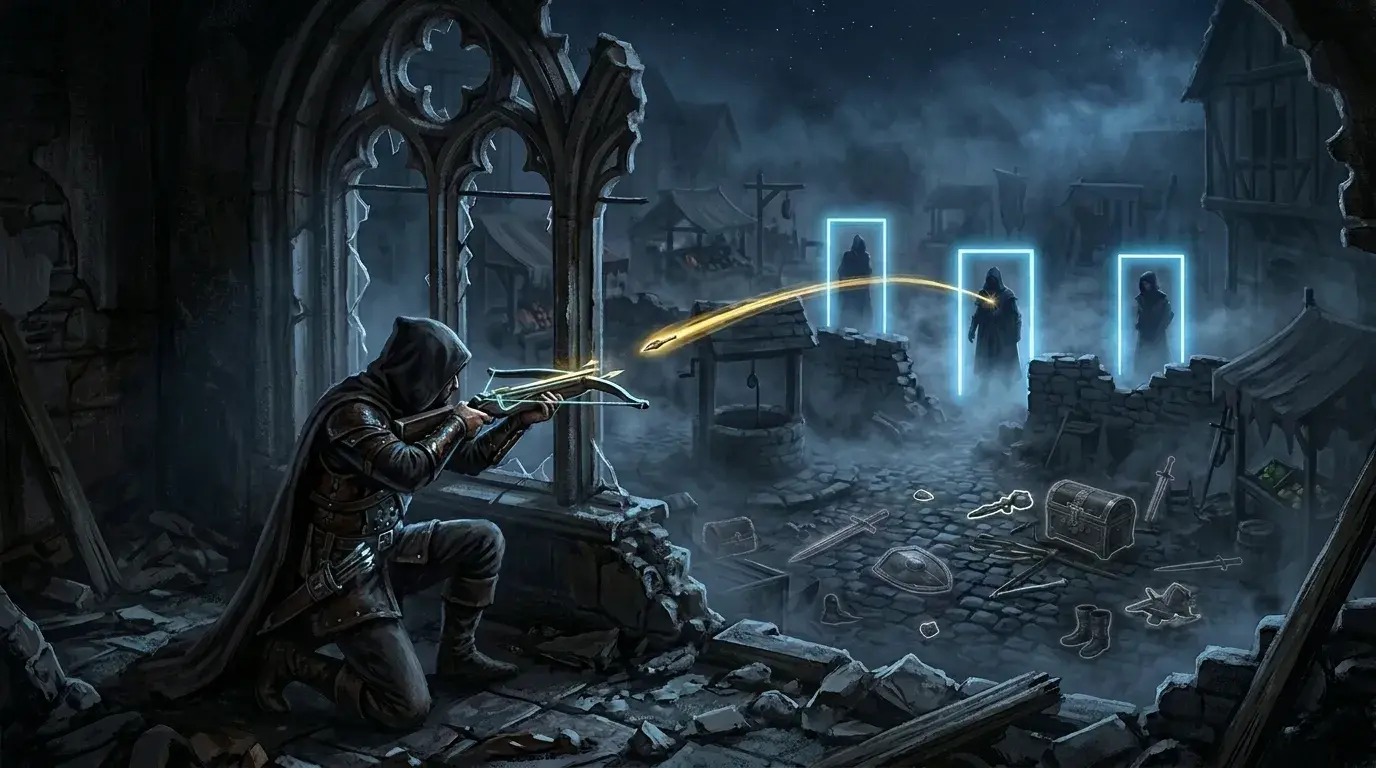
Player ESP puts a box around each player and labels it with their nickname, the weapon they're holding and how far away they are. There's a skeleton option that draws the outline of the body, too.
Downed players get their own marker, which keeps them apart from everyone still standing. Snaplines are there as well if you want a line drawn out to each target.
GHOST radar
The radar is its own window rather than part of the main view. It has separate scale, size and range settings, and its sweep picks out both player blips and loot blips.
Loot ESP: weapons, ammo, medicine and armour
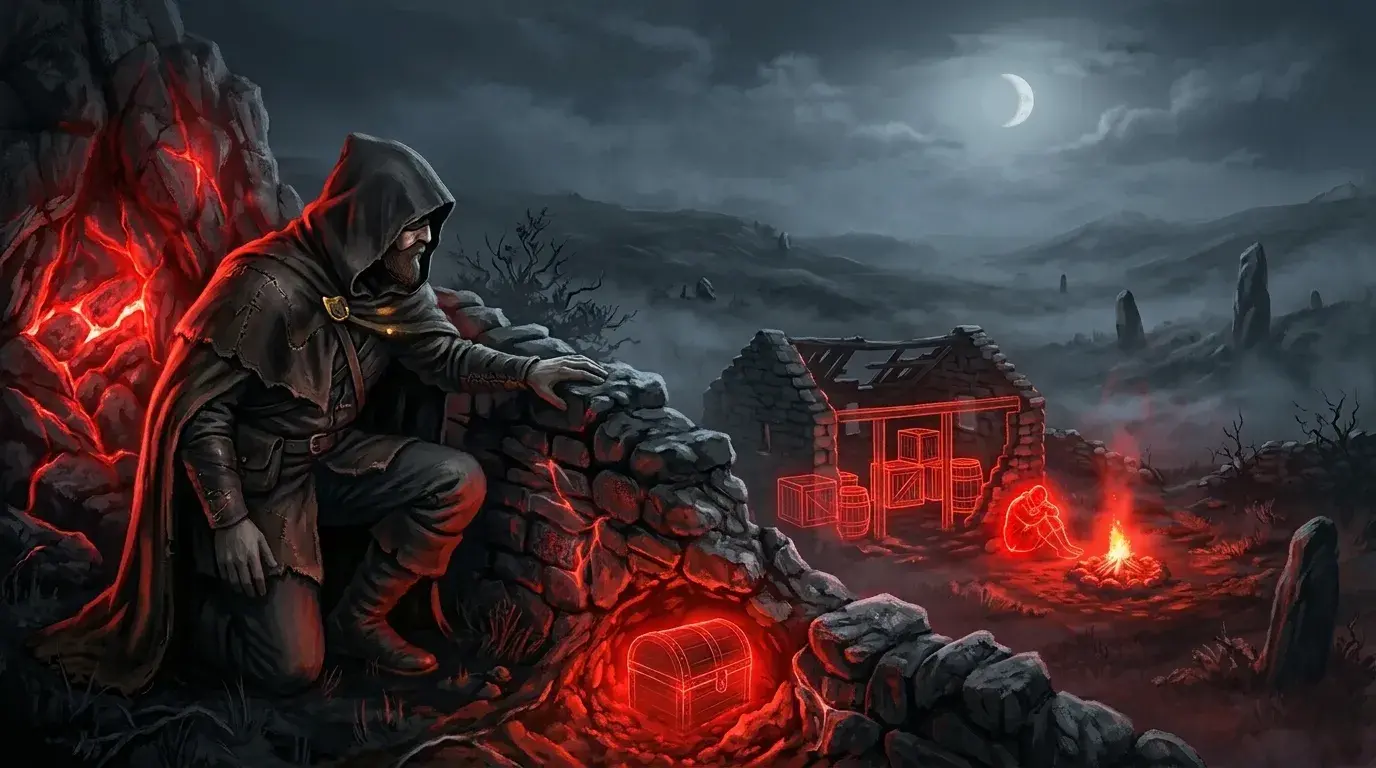
GHOST's loot ESP labels items on the ground and colours each label by rarity, with the distance alongside. It covers five categories: weapons, ammo, medicine, armour and attachments. Bodies get a separate corpse marker, so you can tell a dropped item from a fallen player's kit.
Vehicle ESP
Vehicle ESP draws a box around cars and aircraft, shows the distance to each one and names it by type. It sits in the same ESP group as the player boxes and loot labels.
Misc: config profiles and Battle Mode
The misc group holds the build's extras. You switch each one on separately in the loader menu:
- Ready-made config profiles
- Battle Mode, which clears every visual with one key
- A watermark and an active key indicator
- UI scale, VSync and a custom menu key
Config profiles save you setting every slider from scratch. Battle Mode is the quick off switch for the visuals.
WARDOGS cheats in GHOST: features at a glance
- Aimbot: FOV capture zone and aim speed sliders, nearest or chosen bone, visible-only targets, 0-100% recoil compensation, jitter, deadzone, reaction delay
- Player ESP: boxes, nickname, weapon, skeleton, distance, downed marker, snaplines
- Radar: player and loot blips with scale, size and range settings
- Loot ESP: weapons, ammo, medicine, armour and attachments by rarity colour and distance; corpse markers
- Vehicle ESP: cars and aircraft named by type, with distance
- Misc: config profiles, Battle Mode, watermark, key indicator, UI scale, VSync, menu key
The full feature list, including anything the developer adds later, is on the GHOST product page. To compare it with the other builds for the game, head to the WARDOGS game page, or browse everything in the catalogue.